
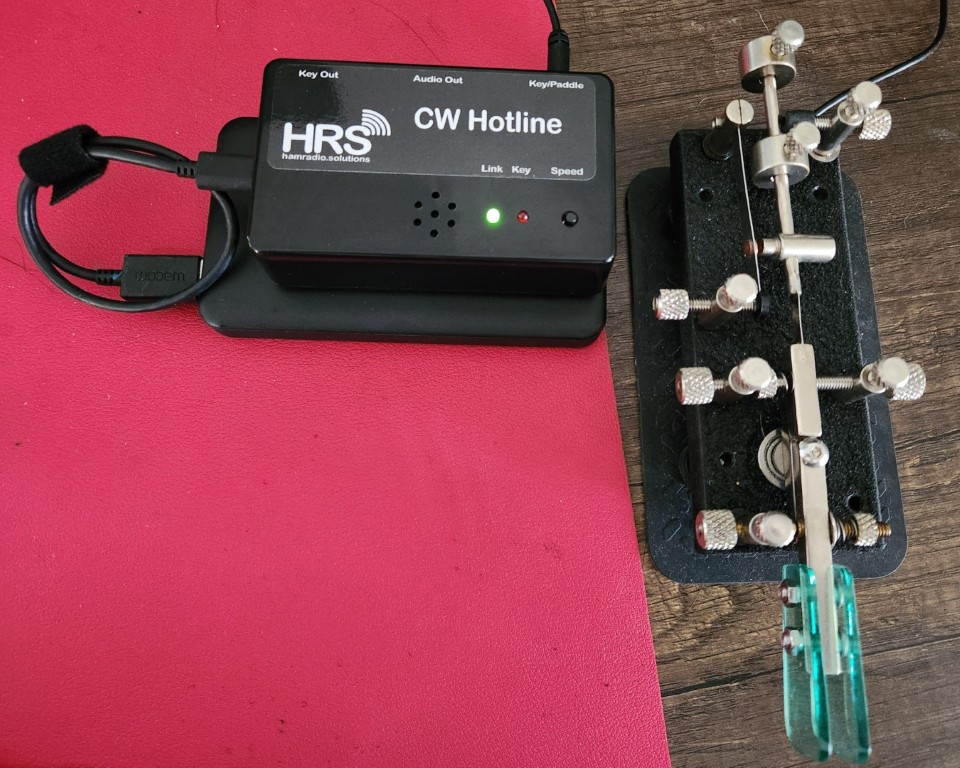
CW Hotline & VBand have completely changed my CW journey. Its immersion into a world of live chat as you practice sending, listening and sending directly from your head all at the same time.
An elmer one time suggested I get the CW Hotline and hop on VBand to help with my CW, so when a nearby ham radio club hosted a soldering workshop with the CW Hotline kit as it’s subject, I was quick to join. Step by step they led us through soldering and assembling the kit until completion.
With a new soldering skill and CW Hotline in hands, I went home and got on VBand. I’d tried it before, but had a cheap Chinese knock off adapter that really just frustrated me. The latency is better with the official VBand gear and experience overall. What I didn’t realize was how versatile the CW Hotline is!
The CW Hotline itself connects to Wi-Fi. This means you can practice online, no fading signals or noise, just your key, the CW Hotline and a small powerbank that most of us having lying around the house at this point. You need to connect it via USB and go to their website to configure your Hotline for first use, adding your callsign, wifi info, and “private channels”. These can be rooms you name and share for you and friends or, simply type Channel 1, etc for the public rooms on VBand.
Once configured, you can connect it to a powerbank and simply use the toggle to switch to channel mode and select your channel. Need visual help? Sign on to the same site on your computer or phone, add the same private channel or join the public one and see your key decoded live!
For an even tighter response, connect your CWHotline via USB Serial and browser and use all the same features that way.
It was the small push I needed to get over my fear of being on the air, get more focuses on my copying and get me moving forward on my CW Journey.